Bsimb
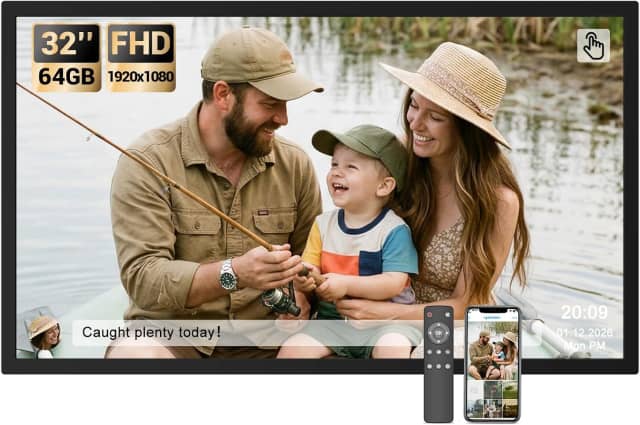
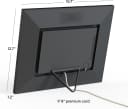
BSIMB 32" Digital Picture Frame, Touchscreen Large Display, 64GB
- Remote control included
- Bluetooth music playback
- Supports USB and microSD imports
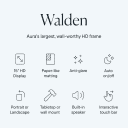
- Auto-rotates between portrait and landscape
available at

Give favorite photos room to shine with a frame sized for the way you’ll actually view it. Here’s what to compare before choosing a large digital frame for your home or as a gift.
A large digital frame can turn a changing photo collection into a focal point—or help distant family members add new memories from their phones. The right choice depends on where you’ll place it, how you’ll send photos, and whether you want to manage it by touch or remote.
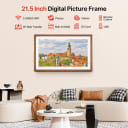
Start with screen size. Listings measure the display diagonally, so compare inches rather than the frame’s outside dimensions. Larger screens are easier to see across a room and give photos more presence, but they need more wall or tabletop space. If the frame will sit close to a chair or desk, a smaller display may be easier to take in at a glance.

Check resolution alongside size. Resolution is the number of pixels across and down the screen; 1920×1080 is commonly described as Full HD, while 1280×800 is a lower pixel count. Full HD is a useful target for crisp-looking photos, especially on a large panel. At the same resolution, a bigger screen spreads those pixels over more area, so think about how far away you’ll usually view it.
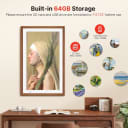
Treat built-in storage as your ready-to-use library. More internal storage lets you keep more photos on the frame without adding a memory card or repeatedly transferring files. Listings may estimate how many pictures fit, but photo sizes vary, so compare the storage capacity in gigabytes when it’s provided. Expandable-card support is useful, but check the supported card size and format before buying.

Wireless sharing is best for an active photo stream. Frames with Wi-Fi and app sharing can receive photos from people who aren’t standing beside the device. Check whether the listing explains who can contribute and whether video sharing is supported. If you’d rather avoid apps or Wi-Fi, look for USB or memory-card transfer options; those are separate from wireless sharing.
Measure the spot before you shop. The listed screen diagonal isn’t the same as the frame’s full footprint, and a large display can dominate a narrow shelf. For a room where viewers will stand or sit several feet away, a larger screen is more practical to see; for a bedside table, consider whether it will feel oversized. Also confirm whether the frame can be wall-mounted or needs a stand.
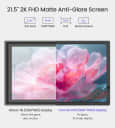
Match the display to your photos. A 16:9 screen works naturally with many landscape photos and videos, while portrait images may show empty space or be cropped depending on the frame’s settings. Look for auto-rotation, crop or fit controls, and album options if your collection mixes orientations. A matte or anti-glare screen may be worth considering in a bright room, when the listing specifies one.
Make sharing easy for everyone involved. App-based frames can make it simple for family and friends to send new photos remotely, but the process differs by frame and service. Check the required Wi-Fi band, app setup steps, video length limits, and whether sharing requires an account or paid plan. If the recipient prefers a straightforward setup, a remote control or direct USB and card transfers can offer useful alternatives.
Choose controls for the frame’s location. A touchscreen is convenient when the frame is within reach, while a remote can be easier for a unit mounted high on a wall. Some frames offer both; others rely on one method or app controls. Consider who will adjust settings, and check that the listing describes the controls you’ll need.
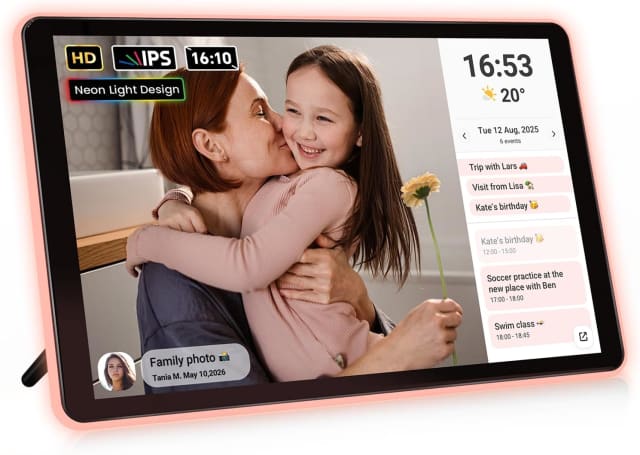
Look for settings that suit your routine. Sleep schedules can turn the screen off at night, and adjustable brightness helps adapt it to the room. Slideshow timing, captions, calendars, and weather displays are useful extras if you want the frame to do more than cycle through photos. Prioritize the features you’ll use rather than assuming a longer feature list means a better fit.
Read the fine print on transfers and capacity. Storage estimates are not directly comparable when listings use different photo-size assumptions, and cloud storage is not the same as storage built into the frame. Check file-format compatibility, card limits, and any formatting requirements before relying on external media. If you plan to send videos, confirm the supported method and any upload-duration limits.
Confirm the practical details for gifting. A frame may require continuous power even if it looks like a standalone display, so check what the package includes and where the cord will run. Consider whether the recipient will need help connecting it to Wi-Fi or installing an app. Review the stated warranty and return terms, since coverage and support can vary.
For most large-frame shoppers, prioritize visibility first. Choose a screen that suits the viewing distance, then compare resolution and built-in storage. If you expect relatives to contribute photos, make wireless sharing a deciding factor; if the frame will be mounted out of reach, give remote control more weight. That short list helps narrow the choices without paying extra attention to features you won’t use.
Swipe to compare all 8 picks →
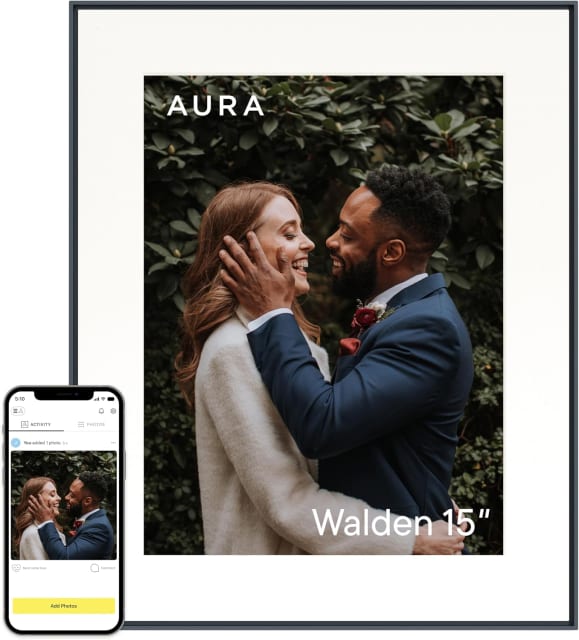
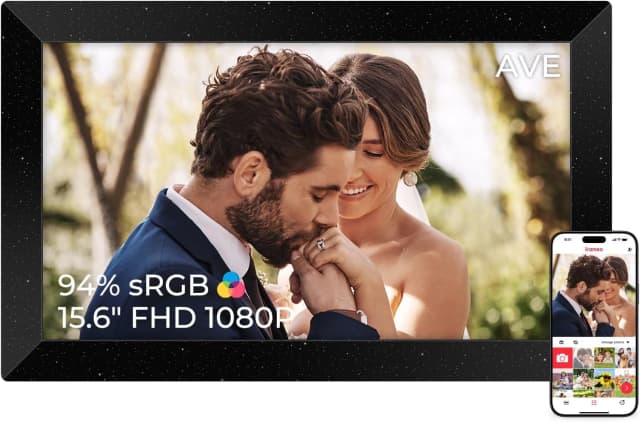
| At a glance | 1 Bsimb 32-Inch Digital Picture Frame![]() | 2 ApoloSign Neon Light Digital Picture Frame![]() | 3 WONNIE Uhale 21.5-Inch Digital Picture Frame![]() | 4 Pastigio Frameo 15.6-Inch Digital Picture Frame![]() | 5 FANGOR 21.5-Inch WiFi Digital Picture Frame![]() | 6 AURA Digital HD Picture Frame![]() | 7 Apveelveer Frameo 15.6-Inch Digital Picture Frame![]() | 8 Arktronic 21.5-Inch Digital Picture Frame![]() |
|---|---|---|---|---|---|---|---|---|
| Our score | 9.9/10 | 9.6/10 | 9.3/10 | 9.0/10 | 8.7/10 | 8.4/10 | 8.1/10 | 7.8/10 |
| Buyer rating | 4.2 | |||||||
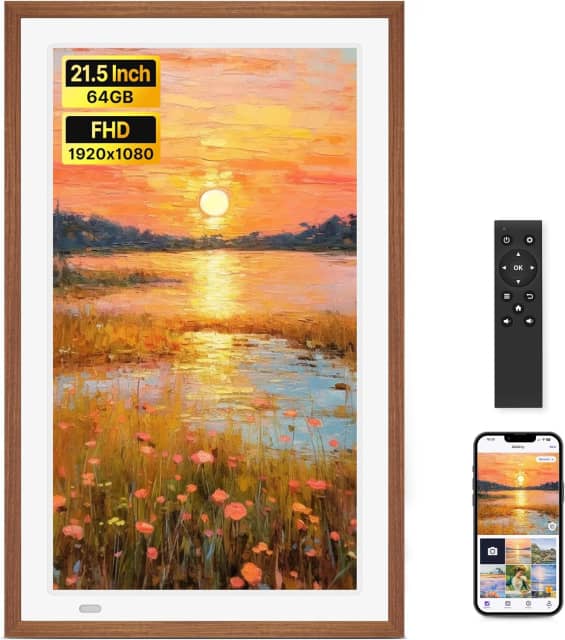
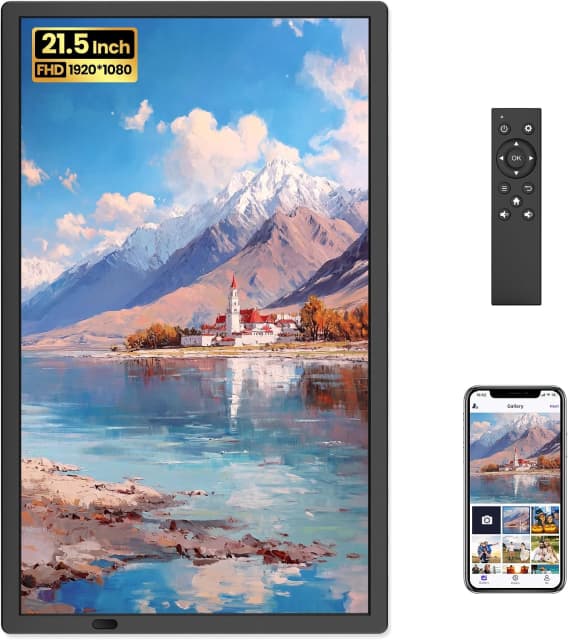
| Display Size | 32 in | 10.1 in | 21.5 in | 15.6 in | 21.5 in | 10.1 in | 15.6 in | 21.5 in |
| Resolution | 1920×1080 | 1280×800 | 1920×1080 | 1920×1080 | 1920×1080 | 1280×800 | 1920×1080 | 1920×1080 |
| Internal Storage | 64 GB | 32 GB | 64 GB | 32 GB | 64 GB | 16 GB | 32 GB | 32 GB |
| Wireless Photo Sharing | Yes | Yes | Yes | Yes | Yes | Yes | Yes | Yes |
| Buy |